Now this content type requires a little more complicated logic check in itself:
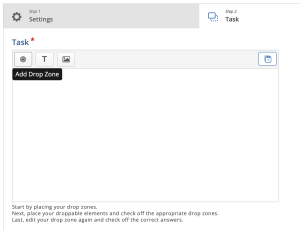
First we add drop zones inside a Task.
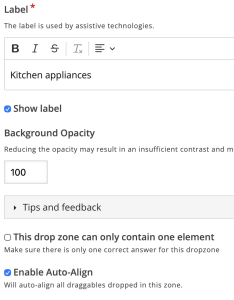
We will need ✅Show label & ✅Enable Auto-Align. If you want only one item inside the zone, then check ‘This drop zone only contains one element’.
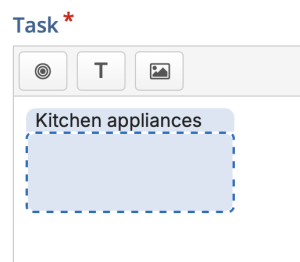
Our first drop zone is ready:
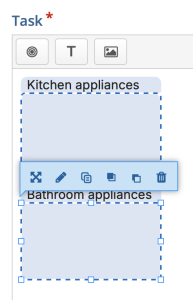
We can add one more and then increase the size:
Now we can add a draggable Text or Image:
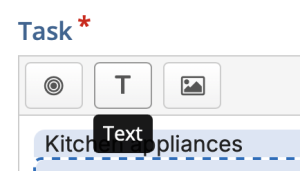
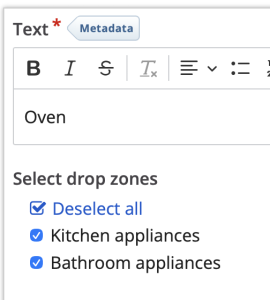
Let’s make sure this draggable item can be dropped onto all Drop Zones:
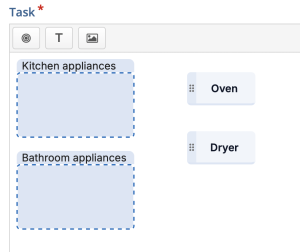
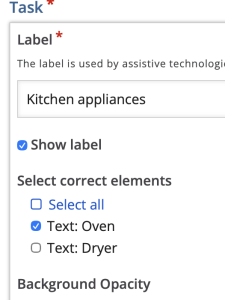
Now we have 2 draggable items (Oven, Dryer) and 2 drop zones (Kitchen appliances, Bathroom appliances)
Now we can edit the Drop Zones:
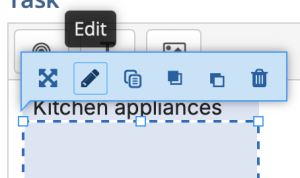
and select which draggables are correct when dropped in this Drop Zone:
and now we have a working activity!